

Everything I use to design, illustrate and edit videos
Because you have to start somewhere!
Hello and happy today!
How are you? Did you have a good week? Quick! Write down 3 things you were obsessed with this week that made your life 1000 times better. (Me: My lil fam, apple pie season at McDonald’s, wearing jumpers after a long summer).

Here is a list of everything I use to design, illustrate and edit videos
When I’m not doodling and writing newsletters, I do freelance design work. Because this week was quite work-heavy, all I’ve got is pixels and pngs on my mind. I didn’t have much time to doodle or think of fun, quirky things to post on the internet (which is probably a sign to just shhh).
I wanted to share all the tools I use to create web and app designs, brand identities, graphic design projects, illustrations, and YouTube videos — my whole kit and full kaboodle of online tools and software.
These are all things that I would love to know about if I were just getting started. They are mostly tools, not resources for learning or improving. If you’re curious about anything or have any tools you want to share, let me know!
My Design Toolkit
Figma
Obviously. Figma is home for me. People ask, “What’s your nationality?’ I say, ‘Figma’. They run away.
I do everything in Figma. UX/UI work, presentation design, blog post images for Picnic Journal, etc. I do more complex vectors and branding design in Illustrator, but I don’t think it will be long until Figma makes Illustrator obsolete. I also use Figma slides to convert my designs into pptx (most companies in Korea still live in the Microsoft world 🙃).
Adobe Express
I use Adobe Express to remove image backgrounds (which I have to do a lot). It is way easier than booting up Photoshop every time I need to remove a BG. You can use Adobe Express for free (some things are paid).
Icons
I use this Figma resource for icons from the Figma Community; it has 65,000 icons and is very helpful.
Procreate
I do all of my digital illustrations in Procreate on my iPad. I occasionally edit them in Photoshop. You pay for it once, and then you’re good to go. Fun fact: Procreate was born in Tasmania, Australia. I have also paid for several brush packs over the years, but I don’t think this is always necessary!
How I make vectors (SVGs) from Procreate drawings
I also occasionally turn my illustrations into SVGs. My process is: draw in Procreate, send PSD file to laptop, save layers as separate PNGs, add PNGs to Figma, use the Image Tracer Plugin (best $10 I’ve ever spent in my life), and voila, you now have an illustration as an SVG.
Why do I use SVGs? I use SVGs when making prints that need to be resized in every which way, for my website for better responsive design, and to easily edit the colours in my illustrations. Also very helpful for branding design - you can turn any drawing into a finished logo (I also love using Illustrator’s Object > Path > Smooth tool to edit my drawings).
Veed.io
I use Veed to transcribe my YouTube videos. Then I add the translations manually to each subtitle. First, I edit my videos in Premiere Pro so I can burn the subtitles on the final video. You can get 50% off your first 3 months with my link here (omg am I an influencer?). If you’ve been wanting to start filming videos, this is your sign to zzddooo it.
Pinterest
Once my nemesis, Pinterest is now my favourite way to find inspiration for design and branding projects. Dribbble used to be my go-to, but I find that a lot of the designs on there are very cool and funky, but not very practical or functional.
Stock Images
I accidentally signed up for Adobe Stock, thinking I could cancel after a month. You can, but you have to pay a ransom. They got me real good.
The joke is on Adobe, though, because using high-quality stock images and vectors is the secret sauce for taking your design work from an 8 (on a good day) to a 25.
When in a pinch, I use Unsplash. I don’t actually “purchase” the images until I am 95% sure my client won’t feel physically ill when looking at them. I use placeholders with watermarks and keep changing the images until I’m happy.

I hope that was helpful for at least 1 human out there. If not, thank you for reading this far anyway!
This week’s doodle:
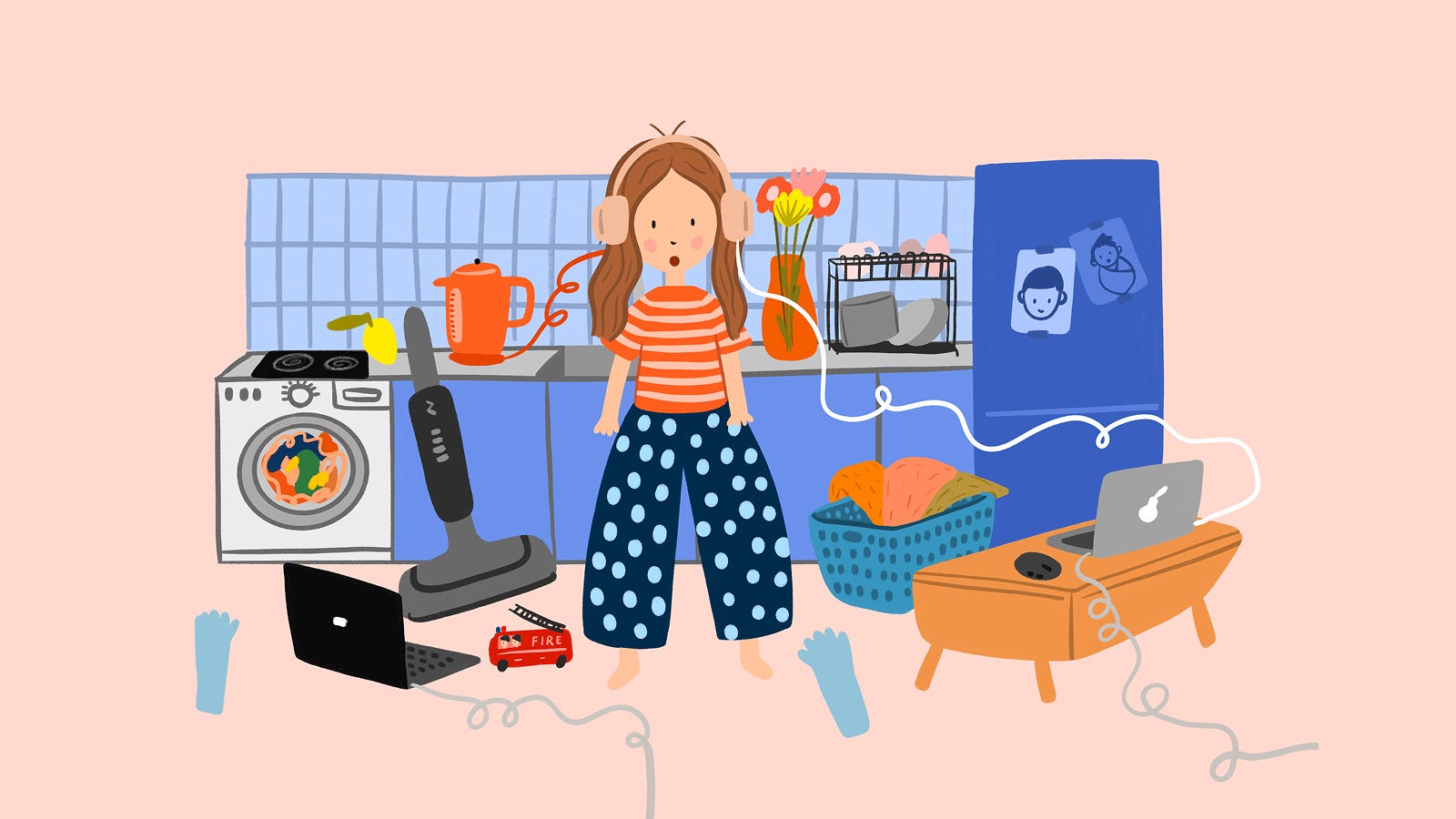
I drew this in early 2025, when I was a full-time work-from-home mum in corporate South Korea. It was messy, and I was always letting at least one ball drop at any given moment in time.
I am still wrapping my head around how we did that. Childcare workers and teachers in Korea and all over the world must be protected at all costs. They are real-life saints and should be treated thusly. Thank you so much.
Also?
Jewellery heists in broad daylight in 2025!!! I didn’t realise we could just break into the Louvre? I love the global outpour of support for theft in a chaotic world. This haul video needs to be preserved for anthropological research.

That’s all my words for today! See you next week! 화이팅!